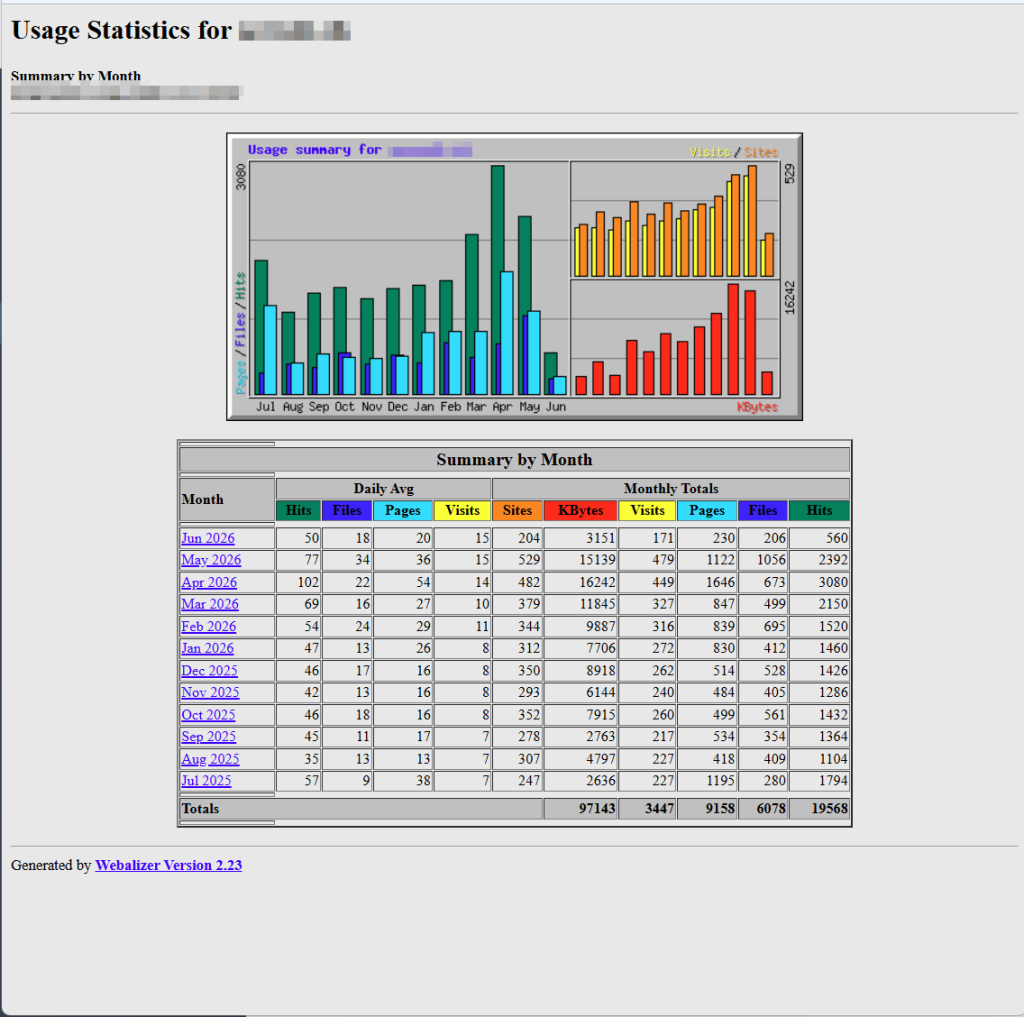
Zugangdaten ausfindig machen für Statistik
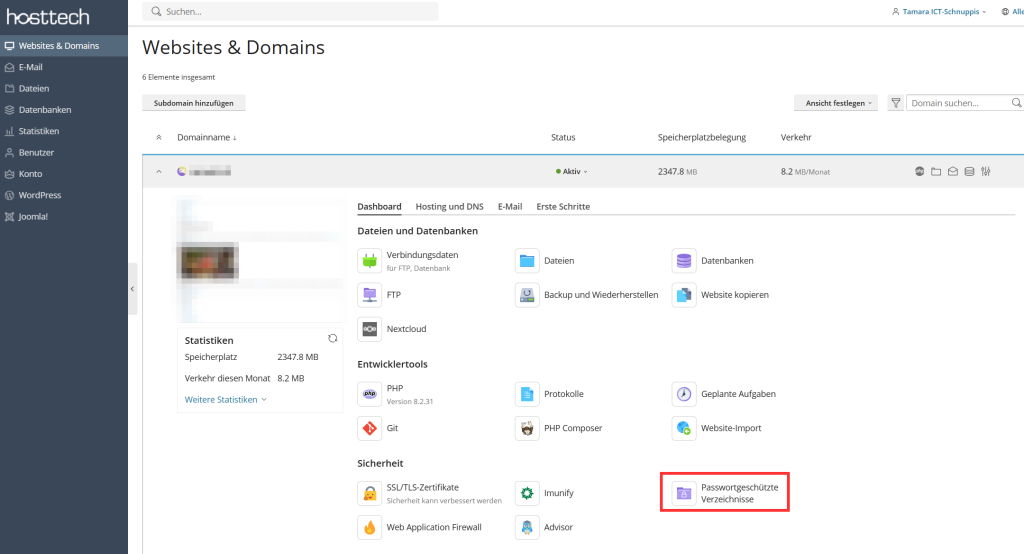
- Select Websites & Domains > Password-protected directories.
- Click on the contained directory.
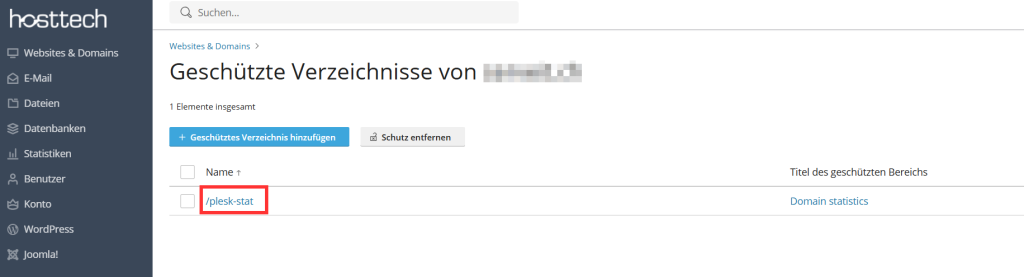
- Select the key symbol at the very end of the user name, set a new password and save it.

- Remember the user name and password.
Statistik einsehen
- Select Statistics in Plesk on the left and click on Web statistics for SSL/TLS.
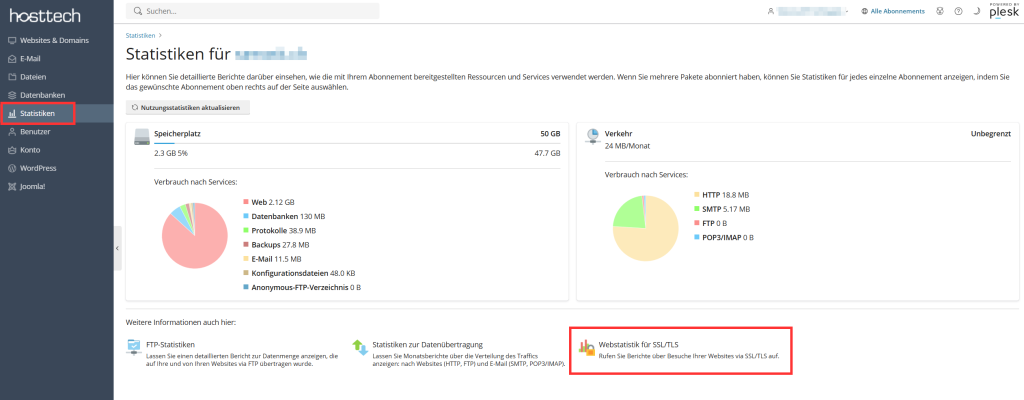
- Select the domain from which you would like to view the statistics by clicking on “Show”.
- A new window will open. Enter your user name and password.
And then you have the visitor statistics.