Verknüpfen des Account
- Log in to your online backup at backup.hosttech.eu.
- Select Devices and then click on “Add” at the top right.
- Search for the service “Microsoft 365 Business”
- You will now be asked to log in to your Microsoft account and activate the authorization for Acronis.
Schutz aktivieren
- Go to Devices and select “Microsoft 365” in the overview on the left.
- Configure your backup according to your wishes.
Backup zurückspielen
- Click on Devices > Microsoft 365
- Select Recovery and then Restore.
- Choose what you want: complete mailbox, e-mail messages or as a PST file.
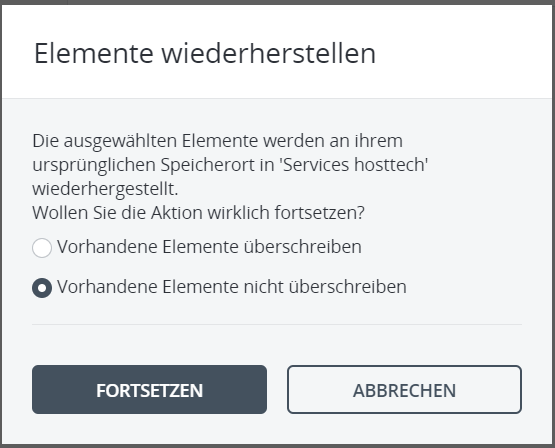
- You then always have the choice of whether you want to overwrite existing files or not. Please be careful here, data that has not been backed up could be overwritten. Recommendation: do not overwrite data.